Installation Guide
Follow these simple steps to get started with our service.
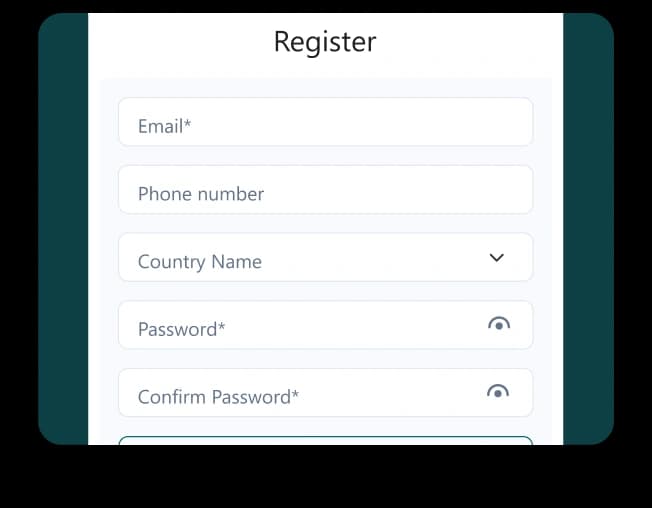
1Download Talk & Text Hub from the App Store Open the app and sign up or log in Complete your account setup to access the app Download Talk & Text Hub from Google Play Open the app and create an account or log in Finish setup to continue
Download the App & Create Your Account
On IOS
On Android
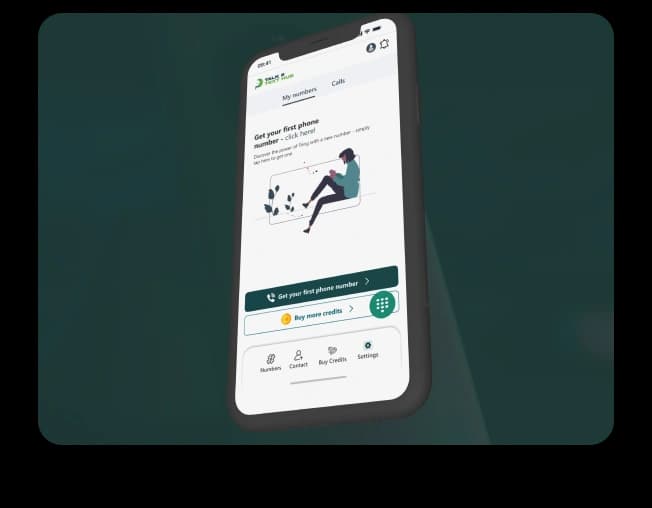
Once logged in, you’ll see the app’s main sections for managing your number, contacts, credits, and settings.
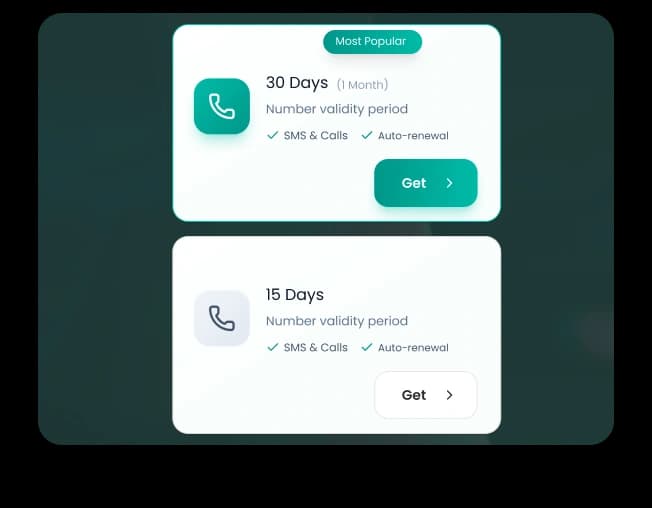
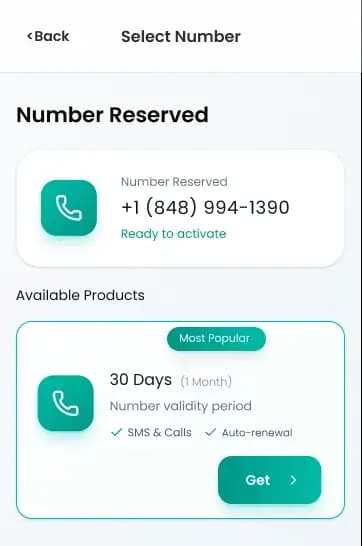
2To start making calls, you will need to activate a virtual phone number. Go to the Number section in the app Choose the option “Get your first phone number” Browse available numbers and select one that fits your needs Choose how long you want the number to remain active Complete the purchase to activate your number After activation, this virtual number becomes your calling identity inside the app. Your personal phone number is never used or shared.
Get Your Virtual Phone Number
To start making calls, you’ll need to activate a virtual phone number.
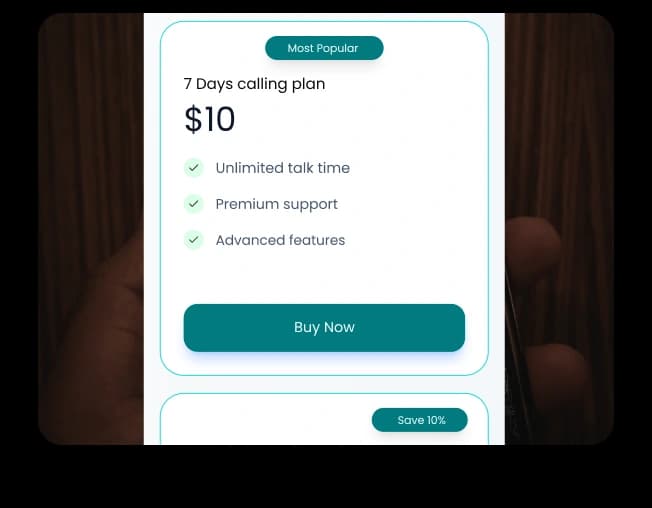
3Credits are used to make calls to mobile and landline numbers You can add credits directly within the app Your available credit balance is always visible Credits give you flexibility and control over your calling usage.
Add Credits to Start Calling
Once your virtual phone number is active, add credits to place calls.
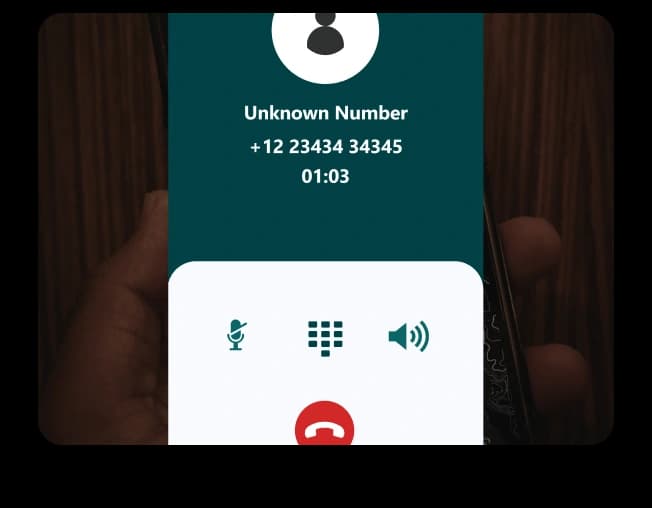
4Use the built-in dialer to enter any number Call directly from your saved contacts Make calls over Wi-Fi or mobile data All calls are placed through the app - no SIM card or additional hardware needed.
Start Making Calls
With your number active and credits added, you’re ready to call.
5Works on Wi-Fi or mobile data Supports calls to real mobile numbers and landlines worldwide Displays your virtual phone number instead of your personal one This makes calling more flexible, private, and travel-friendly.
How Calling Works
Talk & Text Hub uses VoIP technology to make calls over the internet.
6An iOS or Android device An active internet connection A virtual phone number calling credits This makes calling more flexible, private, and travel-friendly.
What You Need to Get Started
Talk & Text Hub uses VoIP technology to make calls over the internet.